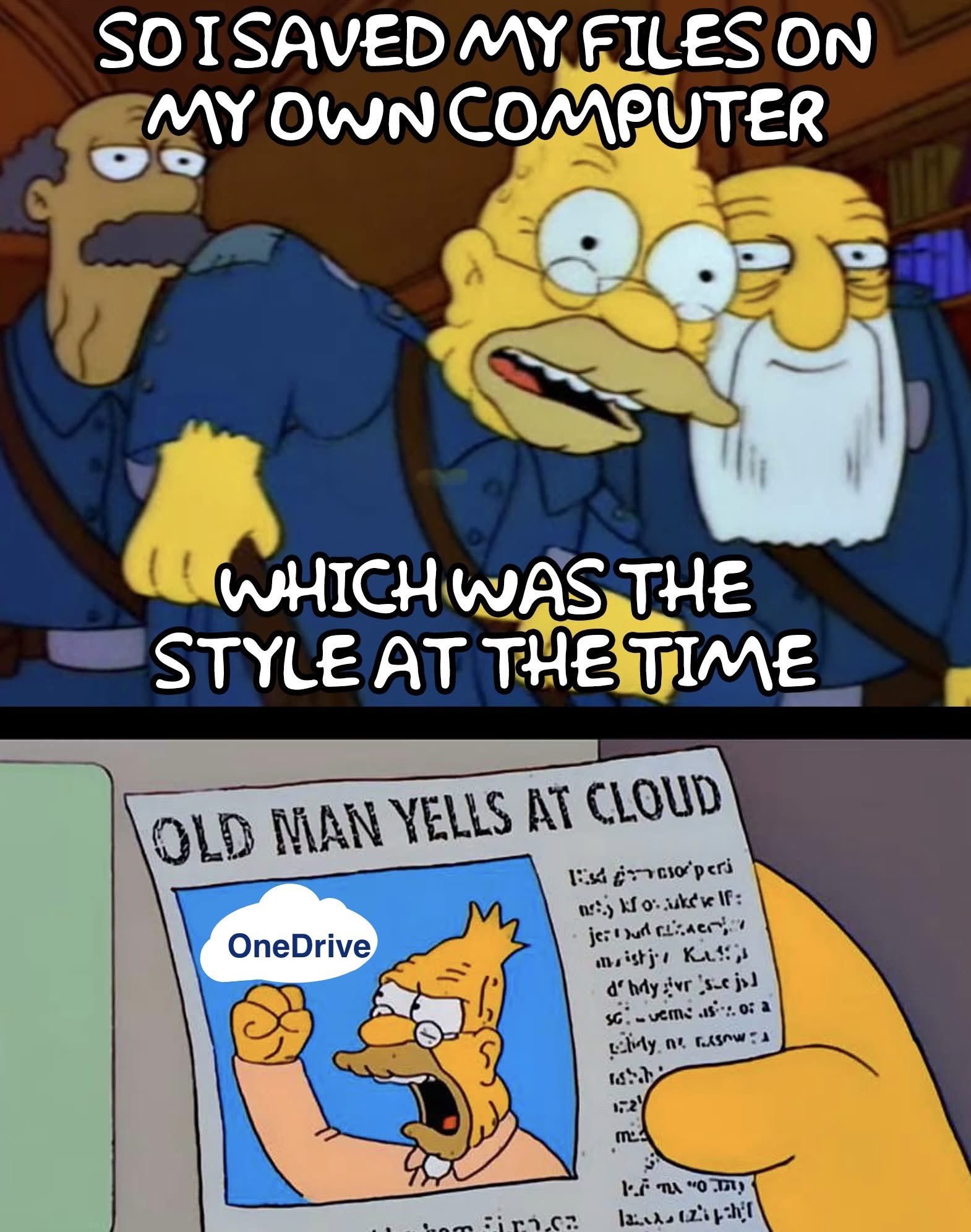

onedrive? more like nonedrive!
the sync shit for it is so bad you’ll end up with nothing.
yes
Yeah, I was shocked that everybody all jumped on the “You can totally trust us with your most important data and information. We won’t ever do anything bad with it” bandwagon.
Oh, by the way, the price just went up, and since they have all your shit, including ALL of your kids’ childhood photos, you’ll pay it, no matter how much it is, or what they do with it.
My OneDrive is full of porn.
My hovercraft is full of eels.
People should give some Linux distro a try nlinux mint is easy to install and I think easy to use.
Even with all the hacky annoyance CachyOS gives me, it is so refreshing not to get OneDrive or Copilot shoved on me in every window.
I switched in October to Mint and have had very few issues with it. I’m not particularly experienced when it comes to programming and found it pretty straighforward.
I had one sound issue which was fixed in about half an hour with some googling, one with a set of flight pedals not working and a game that won’t work with Windows users in multiplayer.
The only one causing me a real issue is the game one, it has taken me hours of searching with only partial fixes.
Overall I think the OS is great and the issues are small teething things, learning the small programing that it has required has made me feel more confident too since there is tons of documentation to help online.
I had to start using macos for work and it also took me a few hours to solve the setup problems. But it wasn’t even to launch games or app. It was just to make simple things working, like my keyboard layout, multi monitors support, windows snapping or multiple desktops. In the end I ended up having to spend some money in addition to the time, so yeah, Linux is not that complicated. (And I’m not even comparing it to Windows)
and a game that won’t work with Windows users in multiplayer.
Is it Halo or Company of Heroes?
Sins of a Solar Empire 2, I found a bash script to edit a config file which masks the use of linux, otherwise it won’t allow the connection.
It’s a problem where the developer hasn’t allowed the game to let linux players join with windows ones for some reason, it feels very backwards with Linux becoming more used all the time
How does one give it a try? Honest question
If I want to maintain my Windows computer, do I need a new computer?
If I was already looking for a laptop, do I just buy the cheapest one and reformat? Does Distro utilize Touch Screen?
How does one give it a try? Honest question
You can flash a USB drive with an image using Balena or Rufus for example (there are numerous tutorials out there), then insert the USB drive into a port and boot into BIOS/UEFI (depends on your computer how to do that exactly please look it up online), then either set that USB drive to boot priority #1 or (preferrably) use a boot override if your computer is able to do that. Hit Save&Exit and you’ll boot Linux from that drive.
That will boot into a live environment where you can try how everything feels, is handled, just look around. At this point, you did not install everything and no permanent changes are made to your computer (except for maybe boot priority).
This way, you can try out different distros with different desktop environments without installing anything.#META
Although lots of the replies to this are useful and informative, this seems like the kind of common and basic question where there should just be a resource we can signpost people to, with easy steps and answers to frequently- encountered issues, presented in an order and with language that supports but does not overwhelm interested parties…
Anyone know of one, or want to help make one?
If I want to maintain my Windows computer, do I need a new computer?
You can install Linux alongside Windows if you have the disk space to spare (a whole separate ssd/hard drive, a free disk partition on your existing drive, or you can split an existing Windows partition).
For experimenting, you can also use a virtual machine (like VirtualBox). Note that you might not get the best possible performance this way. Most Linux distros also have live systems, which means you can boot them from USB stick and use them before you actually install them.
If I was already looking for a laptop, do I just buy the cheapest one and reformat?
Don’t waste money on the cheap junk - just get a used laptop!
Does Distro utilize Touch Screen?
Haven’t tried. Probably!
You can get USB Image Writer and make a bootable USB of Mint. So you can try it from the USB and even if you choose to install you can choose dual boot so when you turn on your computer you can choose the system you want.
I do this because Battlefied, it’s the only reason I have windows partition, but my day to day I am using Mint… and at work macOS…
I think it’s also a good practice to be able to use any OS… look this guide it might help https://linuxmint-installation-guide.readthedocs.io/en/latest/burn.html
If I want to maintain my Windows computer, do I need a new computer?
You don’t need a new computer, but Microsoft’s influence in the industry made it really inconvenient to run any other operating system alongside Windows on the same PC.
When you start, you need to change some BIOS settings to be compatible with both Windows and Linux. More annoyingly, every time you switch between them you’ll have to change tbe Secure Boot option. Turn it off before booting into Linux and turn it back on before booting into Windows. There are workarounds to that, but they’re not beginner friendly.
You also can’t install both Windows and Linux on the same drive. Windows likes to “repair” itself from time to time, which ends up breaking the Linux boot loader.
If I was already looking for a laptop, do I just buy the cheapest one and reformat? Does Distro utilize Touch Screen?
ThinkPads have a good track record with Linux support.
Hardware with niche features (like multiple screens on a laptop) will be less likely to have drivers for those features on Linux.
Touch screens don’t have a standardized way of connecting to a computer, so support will vary and you’ll need to Google it to find out if some laptop model is supported. If it is, pick any distro that uses KDE Plasma or GNOME for its desktop environment and you’ll be fine. If you’re coming from Windows, I would recommend Plasma over GNOME.
Not every Linux distribution supports Secure Boot, but almost all of them do. No need to toggle it depending on your boot target. Dual booting with secure boot works just fine.
With a bootloader signed using Microsoft keys, or a bootloader that needs a MOK to be set up to install third-party keys in the Secure Boot database?
I did the latter and it was a pretty annoying process that would scare away beginners—hence me saying a “workaround” was possible. I’m not using a common distro like Fedora or Ubuntu, though. Is setting it up less painful on those?
I’m using Fedora. Works out of the box. You need to add a MOK if you want to use custom kernel modules (or the current Nvidia drivers). But using the nouveau driver or just a standard installation of not using Nvidia hardware works flawlessly without MOK.
Im using Nvidia. The initial import of the MOK is a bit… strange or scary for non tech people, but afterwards, akmods makes it a breeze. You don’t have to think about it. With Fedora 42, akmods regularly failed to build the driver’s and I had to restart the build manually after a kernel upgrade, but since I upgraded to Fedora 43, it just works.
The first thing I did when I got my pc was to uninstall OneDrive and set Proton as my cloud backup. Somehow, it seems my computer reverted my settings without my knowledge.
I knew a guy who saved everything on USB sticks because back in the day, internal storage was negligible
When internal storage was negligible, USB sticks barely existed. The first one I bought was 64 MB. It seemed huge at the time to have an easily rewritable external storage that was bigger than the 1.44 MB of a floppy.
Yes, he’s used to external storage in general and instead of switching to internal storage, he went from floppy to CD to USB sticks.
I’m still railing against proprietary phone apps.
We made HTML5, JS, CSS into open standards FOR A REASON
You’re not alone, friend. To paraphrase Doctorow, an app is just a website that’s a felony to alter. If a company puts a service behind an app that they don’t also make available via web, I am either learning to do without that service or looking for foss alternatives. I really don’t care about someone’s grandpa finding it easier to use an app, fuck you stop using old people to justify killing the web, give me a functioning website.
apps for mobile should only ever be developed after there already is a functioning website.
Do you mean This PC?
1.File.
2.Save as.
3.Pick a destination where you want to save the file.
- Hit the “save” button.
5.Feel the more fuzzy feelings inside as you learn something new and shake off the bondage of tech illiteracy.
You must be aware that they made OneDrive the default location to save files. The ‘Save as’ dialog box now proposes OneDrive as the default location. So it’s more steps than before to achieve the same thing, just because we have to ‘go around’ OneDrive.
It’s not a question of not knowing how to do it, it’s a question of now being forced to go around their crap, shoved in our faces.
They didn’t seriously do that?
Since when does that happen? Also, on professional/enterprise versions?
Of course they did that, they are Microsoft. You will do what they want, for easiness and convenience.
They started doing that in 2019 for all the the Office products. Here is the official annoucement. Now every Office installation that is up to date will force users to use OneDrive as the default save location. Even Office 2016. They are retroenshittifying.
https://support.microsoft.com/en-gb/office/save-a-document-b7f55d8c-d714-4892-8fde-853a82419027
My guy. The save locally option is literally two boxes down.
It’s literally the same layout and format as previous versions, just instead of documents as default it’s OneDrive. (Something that can be changed very easily)
This is just a case of people looking for something to be upset about.
My guy. It never was about how “easy” it is, it always was about that Microslop tries to push their subscription and cloud BS down our throats in every possible place they could find. From default save locations over forced cloud accounts instead of local user accounts to making it hardly possible to uninstall that shit. It’s not the single instances of BS (not necessarily, that forced cloud accounts to log in to your supposedly own device and gettingbrid of local profiles is in itself a middle finger), it is all ofnit adding up, and the default save location is a small straw braking a long dead camel’s back.
Seems pretty easy to me.
Also, let’s be real here. This is not a problem for the vast vast majority of users.
It’s not that easy. Because that shit comes back, usually with the next update.
I’ve prepared windows machines in a B2B IT support firm for our customers. Over very few years it became very quickly progressively harder to install windows without a network connection, set up local user accounts, debloat everything, etc.
We even had customer’s employees paying us money to untangle their private machines from that MS BS, and it took us a few hours per device.
And don’t get me started on “I saved a file to OneDrive but can’t find it there”. That happened often and wasn’t always user error (like, 50/50)Also, let’s be real here. This is not a problem for the vast vast majority of users.
Yes it is. Whether they realize it or just think it would be more of a hassle to solve it and instead just roll with it is another thing.
Listen. You can say what you want.
But when the simple solution to avoid saving to the cloud and using a local save. Is the exact same method one would use anyway, without OneDrive.
You can forgive me for not seeing what all the fuss is about.
Yes it is. Whether they realize it or just think it would be more of a hassle to solve it and instead just roll with it is another thing.
See. Now you’re speaking for others. And it clearly ain’t a problem or they would be fixing it.
You can say what you want.
Apparently, because you do not seem to process what I’m actually saying and keep ripping single issues out of context so you can downplay the whole problem.
One last try, directly delivered to your door, if you don’t get it this time I’ll stop wasting my time.
OneDrive being the default save locationnis just a small symptom of the problem that Microsoft wants you to totally submit to cloud- and subscription-based computing. You are not to own your system anymore, it is just rented, MS does not want you to operate on the local level. The customer is losing control over a system they are more and more depending on in a more and more digitalized world. And it’s not that it is just an option like where you save a file. It gets harder and harder to use a Windows PC without subscription services. You cannot even set up local users without some workaround most users are not educated enough to even find a tutorial for or realize why it is a problem.
See what the fuss is about now?
Self hosted nextcloud server go brrrrr
I just need two more drives to start running my home server, over time I will also need to add another SATA controller card so I can add two 2TB SSDs for caching and appliances
I’ve said it once and I’ll say it again. It’s not cloud storage. It’s just someone else’s computer.
Head-in-the-cloud storage.
not based
I still like to imagine all my files being up in a cloud in the sky. There’s so much infinite fluffy white space up there.
I’m writing materials to teach Windows 11 to someone, and I literally explain Onedrive as “a computer in America”.
Copying my videos from my phone to my external harddrives as I type this
deleted by creator
I mean, Linux would be less effort.
Yep. Got tired of constantly having to remove/disable yet one more thing Microsoft added. Or finding out some of my previous debloating was reverted or that I hadn’t done it perfectly. If it was just a single checkbox and Microsoft actually honored it, I probably wouldn’t be salty right now.
Yeah, that was the most surprising part of switching to Linux. It generally takes the same effort or less to get my linux install behaving like I want it than it did with a windows install. Plus windows likes to nagg you to set up shit I didn’t want in the first place.
It was kinda funny because that was the whole reason for switching in the first place, but there was this base assumption that Linux was going to be harder than windows, just without stupid MS shit thrown in. But no, it’s actually easier, just different in some ways that mean some skills don’t transfer.
But LLMs are pretty good for bridging that gap. They aren’t perfectly reliable (made up command line arguments are pretty common) but it’s good for getting command names from a description of what you want to do, which you can then learn about using pre-LLM methods.
I find windows intolerable
if I don’t run that and turn half the shit off.