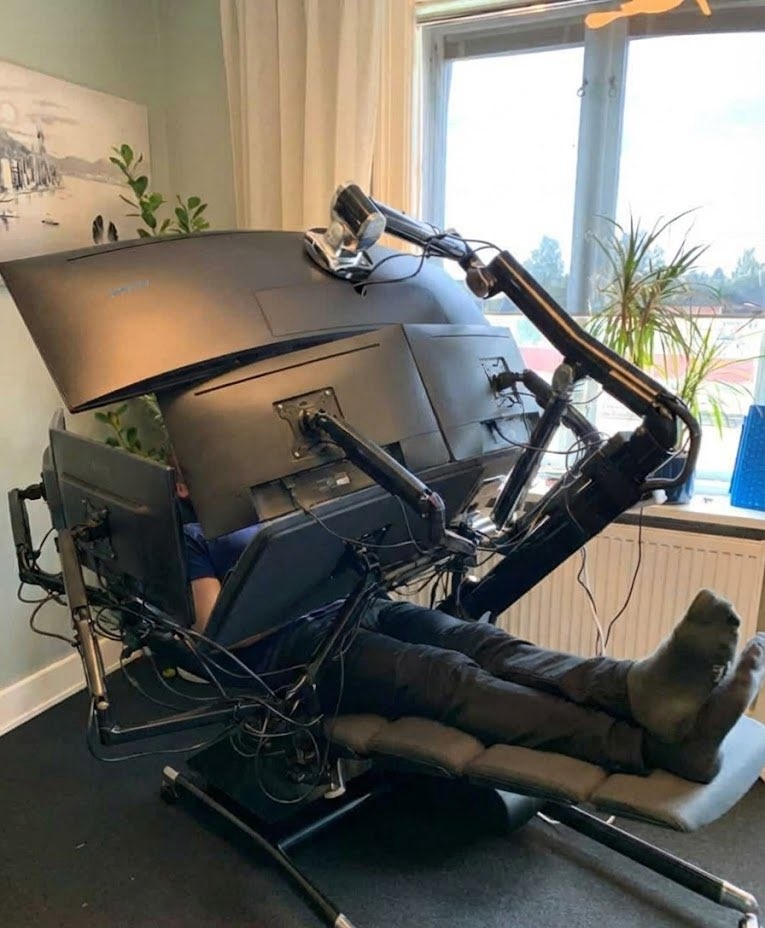
Knowing how insanely heavy my 49" screen is, I’d not be able to lie down comfortably like that. They’re screwed if that monitor arm decides enough is enough.
Looks to see what they’re playing…
Minesweeper
probably room for one or two more
Cut a hole in the seat and I may never leave
… Hope you have an accompanying plumbing system.
When he was 22 years old my niece’s grandpa used to have one of these for watching vintage porn. 47 years later and now all he does is sneak boogers in my pocket and call it Mac and Cheese.
TFW your father is yankee doodle.
Where do you put the jork?

What i3 users think they look like.

All I see is blonde, brunette, redhead…
… do you think that’s air you’re breathing?
I know kung fu…
My favorite part of that scene is when he just style shifts into drunken boxing, hahah!
“You think that’s beer you’re drinking? …Huh.”
I barely know what to do with my second monitor. It spends 90% of its time displaying a background picture and some desklets. I really only use it when I’m writing to have a browser and notes open for reference.
A few desklets you say… There’s always more to be displayed! The area between the left and right row of applets is used for Dolphin (explorer) and fsearch in active use.
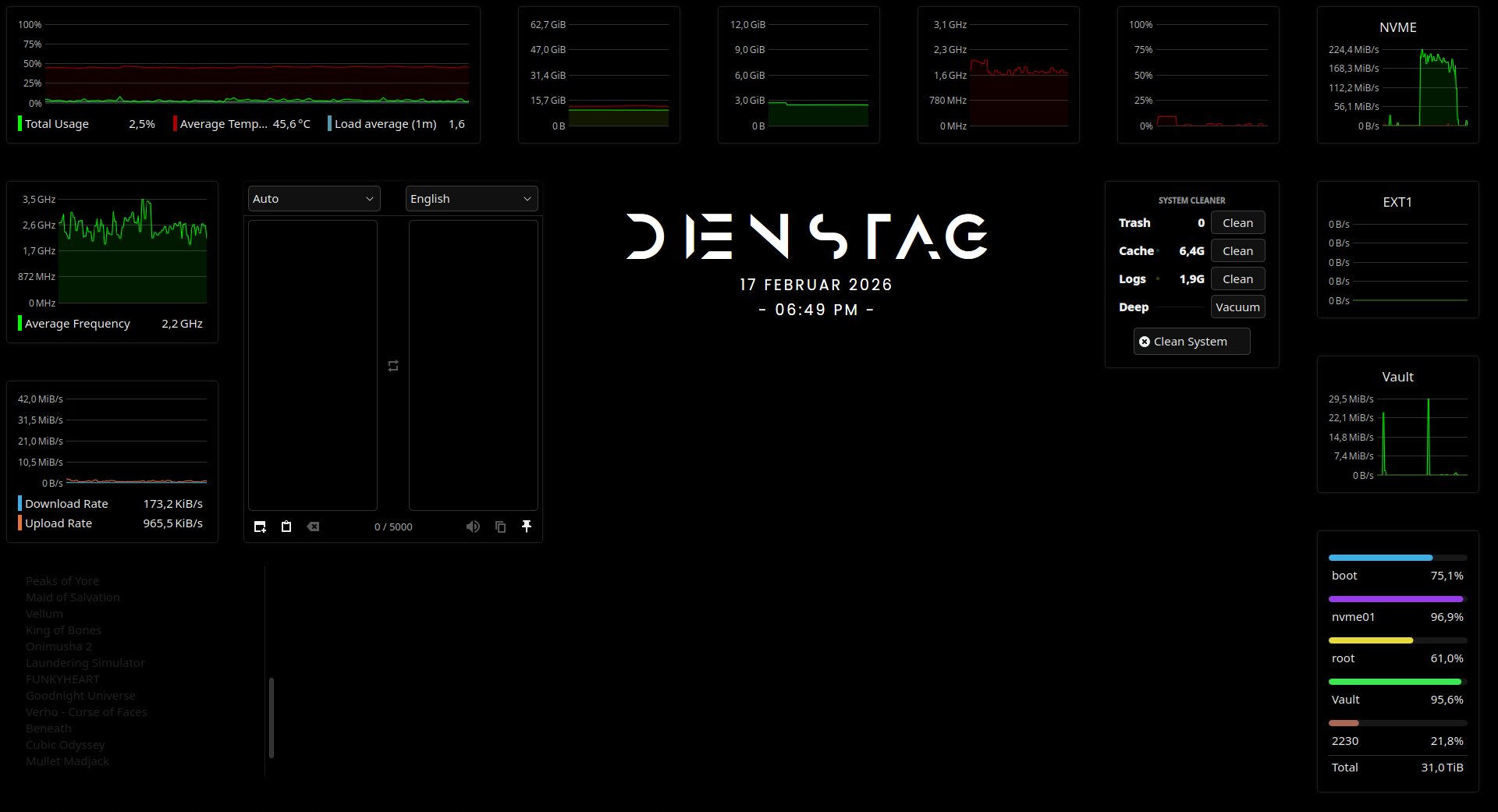
1st monitor: Browser or Game depending on circumstances.
2nd monitor: Security camera feed
3rd monitor: 3D printer controls/status can be swapped for
discordwhatever I switch to from discord.4th monitor: Home assistant control panel
As a developer, I find the great bang for buck is two monitors, with minor benefits for each additional monitor. Examples of use for extra monitors:
- code on main monitor (or more if I have multiple projects open)
- app I’m working on
- documentation
- Stack Overflow/Search/AI chat
- Team chat/Slack
- infrastructure/performance monitors, logs
- Mandatory reboot notice from the IT department shoved in a corner until I can reboot without losing work
Of course if you have a large monitor you can tile windows instead of having N screens. Virtual desktop also exist.
Common other uses for multiple monitors:
Usually your main monitor is in landscape mode, so a monitor in portrait mode can be used to view material that works better in portrait. I use one to read manga. Yes, you can also do two pages side by side in landscape, but I prefer it larger, especially with manga which often has tiny details that are interesting.
If you are using full screen mode on your main monitor, then you can have other information on your other monitors. Lots of people play games and have their voice chat apps on other monitors so they don’t need to overlay them on the game. Or you can have notes open or something.
Lots of people like things in the background like tv shows or livestreams or podcasts. I find that distracting, so I don’t do it, but a lot of people do.
Sometimes, depending on your profession or hobbies, it’s good to have certain notes always visible, when they would normally get hidden behind other windows on your primary monitor.
How tf do you get in and out of that contraption? Or maybe you just… Don’t.
It doesn’t have a built-in toilet, so I think you eventually have to get up.
Every chair has a built-in toilet if you’ve got the willpower.
Or a colostomy bag
If you’re going to the bathroom, you’re not playing battlefield. If you’re shitting in a bucket you’re playing battlefield
Could be interesting to watch when the fire alarm goes off.
“I think I’ll die comfortable.”

Text meme because I’m lazy
Look what they need to mimic a fraction of our power
Pic of me laying on the couch with my laptop
I guess I’m rewatching Grandma’s Boy again today.
Adios, turd nuggets!
My beef strong!
Say what you will but VR headsets have become much smaller since this photo was taken.
Yeah, I was gonna say, this is pretty much my life, but it was way cheaper and it’s much easier to get into and out of. Plus I can bring it with me when I go make a sandwich… or poop. I don’t use quite as many “monitors” only have 2, but they are both 4k, so have more pixels than all those combined anyway. If I put them both into quad 1080p pane mode, I basically have that. Just stretch the top content across two of the panes for the widescreen.
Currently in bed, typing this on my PC via Virtual Desktop. Never really got into multi-monitor setups, but having my PC’s monitor floating above me when I don’t feel like sitting is nice.
As a multi-monitor setup addict waiting for the 5th monitor delivery, this does sound quite compelling. Which goggles would you recommend?
Right now the choice is between Quest 3 or waiting for Steam Frame, which is shaping up to be a sidegrade based on what’s known about the specs.
Pros of Q3 are the colour passthrough, much lower price and access to the few exclusive games, which are all really good, especially Arkham Shadow. Though Meta recently stopped funding first-party games, so there won’t be more of those going forward.
Pros of the Frame are not buying from Meta and better Linux support.
Detailed comparison will have to wait until after the Frame is released, of course.
Yeah, 2 is all I personally ever use, and the second one is mostly there cuz my main one is based on my real TV that is old enough it can only do 60hz at 4k. The Virtual 4k screen can do 120hz. So when I want to share with people in the real world, the 60hz screen is my main screen, and when I am playing for myself only, the 120hz screen is my main screen. The second screen normally just has static information on it, or sometimes a video if what I’m doing on the main screen can handle having a video playing. But I am not ADHD, so second screen content is distracting to me, rather than allowing to not be distracted like it is for them.
Most of the time, only one monitor is actually in my line of sight at any given time. And I just hit the swap positions button when I want to change. But if I have info up during a game, I can glance at the other screen. Or if I’m watching a TV show or something on the second monitor, while playing a non-timed puzzle game or something on the main. I can either look at the other screen for interesting parts of the show, or hit the swap button.
Are you using those in such “configuration”? I’m trying to find real world opinions for specific models but am having a hard time.
I’ve got Oculus 2, but only use it twice per year for Beat Sabre.
this would be great for day trading
What’s up, JP?